
FAQ
Most Popular Questions
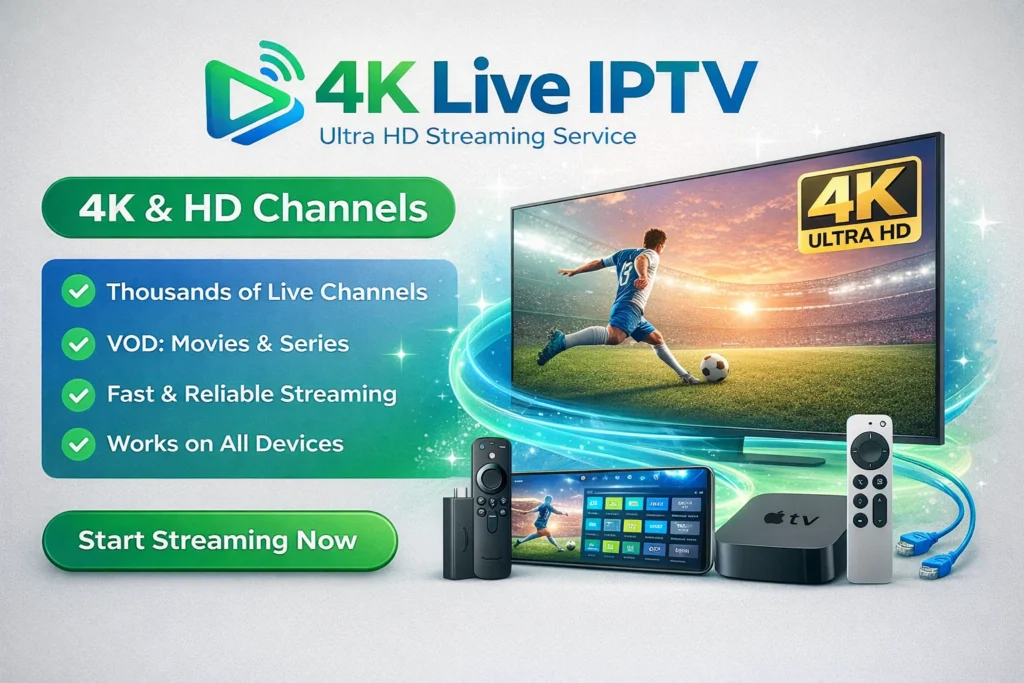
This FAQ section covers everything about 4K Live IPTV, from setup and internet requirements to streaming quality and device support. Discover how a premium 4K Live IPTV service provides ultra HD channels, smooth streaming, and a better alternative to traditional TV.
4K Live IPTV is a streaming service that delivers live TV channels and on-demand content over the internet in Ultra HD (3840×2160 resolution) instead of traditional cable or satellite.
Legality depends on the provider:
- Legal IPTV: licensed content providers
- Unverified IPTV: may stream copyrighted content without rights
Always check the legality in your country before subscribing.
Installing IPTV on Apple TV 4K is simple and only takes a few steps:
- Open the App Store on your Apple TV
- Search for an IPTV player like IPTV Smarters, GSE Smart IPTV, or iPlayTV
- Download and install the app
- Open the app and enter your IPTV details (M3U URL or Xtream Codes provided by your IPTV service)
- Load your playlist and start watching live TV in 4K quality
Tip: Make sure you have a stable internet connection (at least 25 Mbps) for smooth 4K Live IPTV streaming.
The main difference is video quality.
- Standard IPTV: HD / Full HD
- 4K Live IPTV: Ultra HD (4x sharper image)
This results in better clarity, richer colors, and more immersive viewing, especially for sports and movies.
For smooth 4K streaming, you typically need:
- Minimum: 25–30 Mbps
- Recommended: Stable high-speed connection with low latency
Without this, buffering and quality drops may occur.
Yes. Most IPTV services support multiple devices such as:
- Smart TVs
- Android TV / Firestick
- Smartphones & tablets
- PCs and laptops
Many providers also allow simultaneous streaming on multiple screens.
No. This is an important fact:
- Only selected channels and events are true 4K
- Some providers upscale HD content and label it as 4K
That’s why testing a service is highly recommended.
Typical content includes:
- Live TV channels (sports, news, entertainment)
- Movies and TV series (VOD)
- Pay-Per-View (PPV) events
- International channels worldwide
- Ultra HD picture quality
- Access to thousands of global channels
- Works on multiple devices
- Flexible subscriptions (monthly or yearly)
- On-demand + live TV in one service
Common reasons:
- Weak internet connection
- Server overload during live events
- Poor IPTV provider infrastructure
4K streaming requires much higher bandwidth stability than HD.
- A 4K-compatible TV or device
- A stable internet connection
- An IPTV app or player
No satellite dish or cable box is required.
Yes, many providers offer:
- Free trials (24h–7 days)
This allows you to test quality, stability, and real 4K performance before purchasing.
Because users want:
- Better streaming quality
- More flexible viewing (anytime, anywhere)
- Access to global content without cable
Demand is increasing as more households use 4K TVs.
+1 (474) 352-4079
Get Support for Your 4K Live IPTV Anytime
If you need help with your 4K TV, our team is ready to answer your questions and guide you through setup, troubleshooting, and everything in between.
Need More Help?


Subscription Plans
Discover flexible Premium and Regular 4K IPTV plans designed for the best streaming experience.